Last updated: July 12, 2026
— Summary
Dummo is a device-mockup video studio for macOS and iOS, built privacy-first. The developer operates no servers: he never receives, collects, stores, sells, or monetizes your personal data. Everything you create in Dummo — your imported screen recordings, projects, and exported videos — lives on your device and, if you use iCloud, in your own private iCloud account. A small number of features send limited, feature-specific data directly from your device to external services (described in full below). One optional feature (AI editing, Mac only) lets you expose your open project — including frames and on-screen text read from your recording — to an AI assistant of your choosing (Anthropic's Claude today, or another compatible AI client you connect). Nothing passes through infrastructure the developer controls, because he has none.
This policy explains exactly what data the app handles, where it goes, the legal bases for any processing, and your rights — including your rights under the EU/EEA General Data Protection Regulation (GDPR) and the UK GDPR. It describes the app's behavior as implemented in its source code.
— 1. Who is responsible (Data Controller)
Dummo is developed and published by:
Eduardo Pinillos (independent developer)
Contact: nocion.exento_8u@icloud.com
Because Dummo has no servers, the developer does not hold or have access to any of your data. To the limited extent that the app causes personal data (such as your IP address, or the name of a font you download) to be transmitted to the service providers listed in Section 5, the developer acts as the data controller for determining that such transmissions occur, and this policy serves as the transparency notice required by Articles 13–14 GDPR. Apple, Google (Google Fonts), and any AI provider you choose to connect act as independent controllers of the data they receive, under their own privacy policies.
— 2. Our privacy model
- No Dummo servers or databases exist. There is nothing for the developer to access, leak, or hand over.
- No accounts. Dummo has no sign-up, login, or user profile. It requires no account to use any feature.
- No analytics, no tracking, no advertising. The app contains no analytics SDKs, crash reporters, ad networks, fingerprinting, or third-party trackers. Its only third-party code dependency is the open-source Model Context Protocol SDK used for the optional AI connection (Section 6); it contains no data-collection code.
- No sale or sharing of personal data, for any purpose.
— 3. Data stored on your device and in your iCloud
Everything you create in Dummo is stored locally on your device inside the app's sandboxed Application Support container, and — if you are signed in to iCloud — synced through Apple CloudKit inside your personal, private iCloud account. This may include:
- Screen recordings and videos you import (the raw clips you drop into a project). These are copied into the app's own storage when you import them.
- Projects: device frame, background (color, gradient, image, or animated), export preset, scenes (trims, speeds, transitions), tap indicators, zoom/camera keyframes, and intro/outro settings.
- Overlays you add: text overlays, captions, stickers, and their positions and styling.
- Assets you import: custom backgrounds, custom stickers, and custom fonts.
- Exported videos you choose to save.
- App preferences: your default device, orientation, background and export preset, and the settings for the optional AI connection.
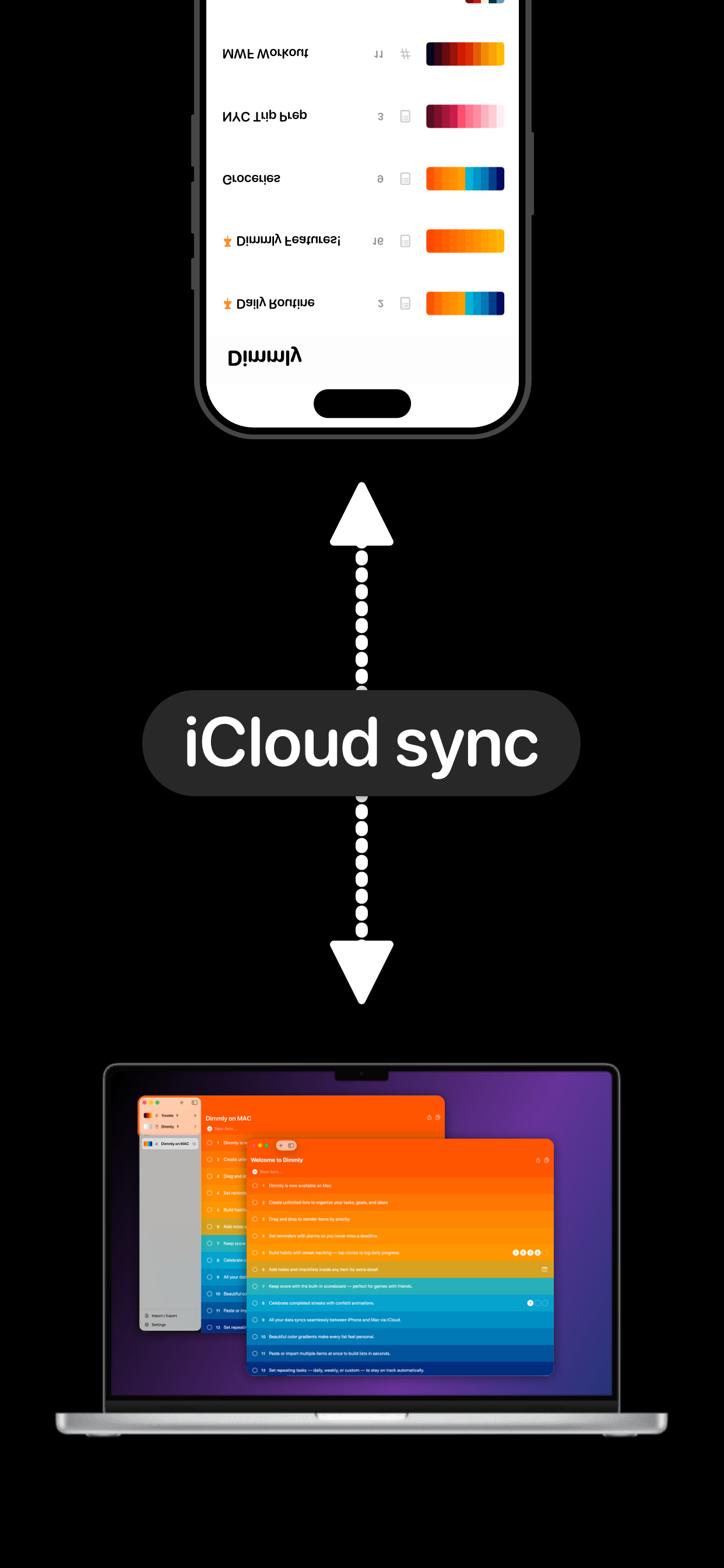
To synchronize across your devices, Dummo copies the bytes of your projects (including the imported video files), backgrounds, stickers, and fonts into your private iCloud database (container iCloud.com.eduardopinillos.Dummo), using SwiftData backed by CloudKit. iCloud sync is provided by Apple under Apple's Privacy Policy and your agreement with Apple. The developer cannot read, access, or recover data in your iCloud account. If you are not signed in to iCloud, your data stays only on your device.
Important: a screen recording can show anything that was on your screen when you made it — messages, emails, names, account balances, notifications, or other personal or sensitive information. Whatever is visible in the clips you import is stored by Dummo as described above. You decide what to record and import (see Section 7).
— 4. Data we do not collect
The developer does not collect your name, email address, contacts, location, identifiers, usage statistics, crash logs, advertising data, or any other personal information. The app contains no code that transmits your identity or your content to the developer. He has no means of identifying you.
— 5. Features that contact external services
Some features need the internet. These requests go directly from your device to the provider — never through a Dummo server (none exist). As with any internet request, the provider technically receives your IP address and standard request metadata, which it processes under its own privacy policy. Dummo sends the minimum data each feature needs:
| Feature | Provider | Data sent from your device | Provider's policy |
|---|
| Downloading a curated font (Dummo Pro) | Google Fonts (fonts.googleapis.com, fonts.gstatic.com) | Only the font family and weight you chose to download (e.g. "Inter:wght@600"). No account, no cookies, no personal content. | Google Privacy Policy |
| iCloud sync of your projects and assets | Apple CloudKit | Your projects, imported videos, and assets, within your private iCloud account | Apple Privacy Policy |
| Dummo Pro purchase and restore | Apple App Store / StoreKit | Handled entirely by Apple; Dummo never sees payment details (Section 10) | Apple Privacy Policy |
Dummo does not send your identity, your project contents, your videos, or your overlays to Google. A font download contains no personal content beyond the technical metadata inherent to any web request. Aside from these, the only other outbound activity Dummo can initiate is the optional AI connection described in Section 6, which you must switch on yourself.
Legal bases (GDPR). These transmissions are necessary to perform the features you actively use (Art. 6(1)(b) GDPR) and pursue the developer's legitimate interest in providing app functionality without operating his own data-collecting servers (Art. 6(1)(f)). You can avoid them entirely by not using the relevant feature or by using the app offline; font download is optional and only occurs when you choose to download a specific font.
— 6. Editing with an AI assistant (optional, Mac only)
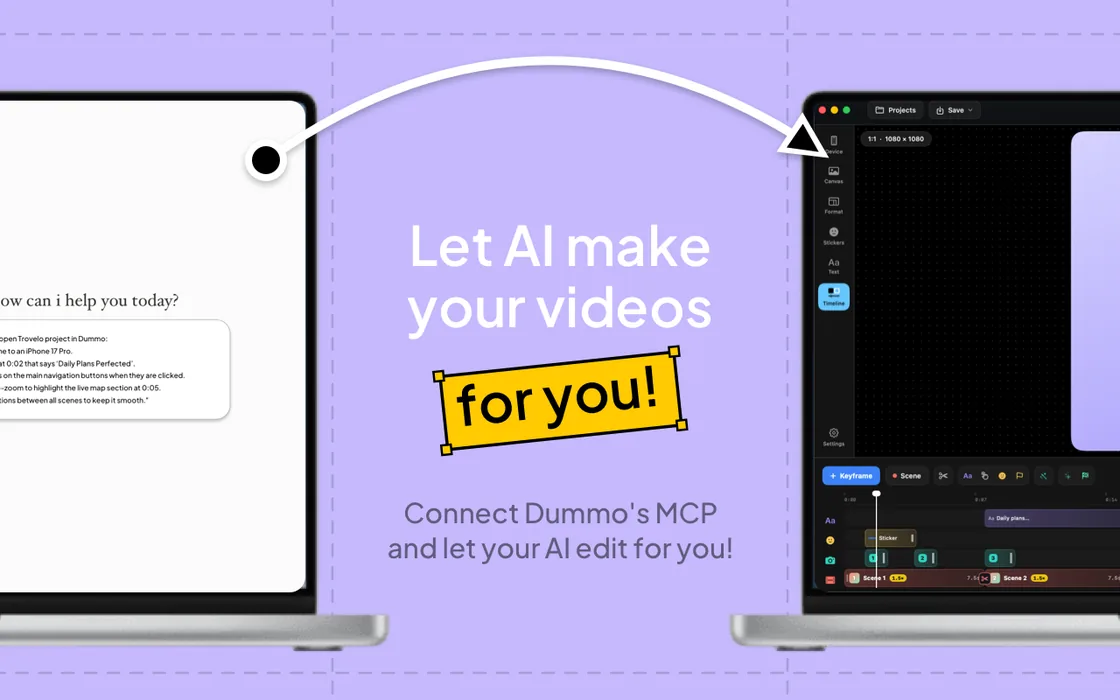
The Mac version of Dummo Pro can let an AI assistant read and edit the project you have open, through a local connection that exists only on your Mac. Understand this feature clearly before enabling it, because it is the one way that content from your recordings can leave your machine.
How the connection works. When you switch it on, Dummo starts a small server that speaks the open Model Context Protocol (MCP) standard and listens only on 127.0.0.1 (loopback, your machine only, default port 31201), protected by a randomly generated bearer token. It is never exposed to your local network or the internet. Dummo itself never sends anything to any AI provider — it only opens this local endpoint. An AI client running on the same Mac connects to it and calls the app's tools. Today the feature is designed around Anthropic's Claude (Claude Code and the Claude desktop app), and the app includes one-click setup for it; because the endpoint uses an open standard, you may instead point another MCP-compatible AI client of your choosing at it.
What the AI client can read — and what then reaches the AI provider. Once connected, the AI client can, through the tools Dummo exposes, read:
- The names and basic metadata of all your saved projects (not just the open one).
- The full configuration of the open project: device, background, scenes, timings, tap indicators, and every text overlay and caption you have written.
- Frames sampled from your imported recording — reduced-resolution JPEG images (down-scaled, longest side ≈ 512 px) taken from the video so the model can "see" the screen.
- Text recognized on-screen by optical character recognition (OCR) run locally on your recording's frames — for example when it reads a button label or a title to place a caption or a tap.
Whatever the AI client reads through this connection becomes part of your session with the AI provider you chose, and is processed under that provider's privacy policy. If you use Anthropic's Claude, see Anthropic's Privacy Policy; if you connect a different AI client, that provider's own privacy policy governs instead. Because a frame or OCR result can contain any personal information visible in your recording (names, emails, messages, balances, and so on), that information can reach whichever AI provider you connect when you use these features. That provider acts as an independent controller of the data it receives. The audio of your recording and the full-resolution video file are not transmitted through this connection.
Your controls.
- The feature is off by default and requires Dummo Pro plus your explicit activation.
- You can put the connection in read-only mode so the AI cannot edit your project.
- You can rotate the access token at any time (which disconnects already-configured clients), change the port, or turn the feature off entirely, in the app's settings.
- Do not connect an AI client if your open project contains information you do not want processed by that provider.
Legal basis (GDPR): your consent (Art. 6(1)(a)), given when you enable the feature; withdrawable at any time by turning it off.
— 7. Your recordings and other content you import
Dummo works on screen recordings and other media that you create outside the app and import into it. The app does not record your screen, camera, or microphone; it has no screen-capture, camera, or audio-recording code and requests no such permissions. It only reads the media files you choose to import (through the system photo picker or file picker) and, on the frames of those files, can run local frame sampling and OCR for the editing features and the optional AI connection.
Because your recordings may contain personal or sensitive information visible on screen, consider what a clip shows before you import it, sync it via iCloud (Section 3), export it (Section 8), or expose it to an AI client (Section 6).
— 8. Exporting and sharing
Dummo lets you export your finished video. On iOS you may save the exported video to your photo library; the app requests add-only photo access solely for this and never reads your existing photos (Section 9). On macOS you export to a file you choose. Once you export, save, or share a video outside the app, its further distribution is under your control, not Dummo's.
— 9. Photos access
On iOS, if you choose to save an exported video to your photo library, Dummo requests add-only access to Photos. This permission lets the app add the finished video to your library and nothing more — it does not grant, and the app does not use, the ability to read or browse your existing photos. When you pick an image or video to import, the system photo picker runs outside the app and does not require photo-library permission. Photo access is optional and can be revoked in system Settings at any time.
— 10. Purchases
Dummo Pro is a one-time purchase (a non-consumable) processed entirely by Apple through the App Store using StoreKit 2. Dummo never receives or stores your payment details, billing address, or Apple ID. The app stores only a local flag recording whether Pro is unlocked, and verifies your entitlement on-device with Apple. If you redeem an offer code, the redemption is handled by Apple's native in-app flow.
— 11. Diagnostics
Dummo does not use any crash-reporting or analytics service. No usage data, crash logs, or diagnostics are sent to the developer. Apple's standard, aggregate app metrics (if you have opted into sharing them with developers at the system level) are provided by Apple in anonymized form and are governed by Apple's policies, not by any code in Dummo.
— 12. Data retention and deletion
The developer retains nothing, so there is nothing for him to delete. You are in full control:
- Delete individual items (projects, imported videos, overlays, assets) at any time inside the app.
- Delete everything on-device by deleting the app.
- Delete iCloud data in System Settings › [your name] › iCloud › Manage Account Storage › Dummo, or by deleting your projects in-app before removing the app (deletions sync).
- Revoke the AI connection by turning it off or rotating its token in Settings (Section 6).
- Data you shared with an AI provider (Section 6) is governed by that provider's retention rules and deletion tools.
— 13. Your rights (EEA, UK, and Switzerland)
Under the GDPR / UK GDPR you have rights of access, rectification, erasure, restriction, portability, and objection, and the right to withdraw consent at any time. Because your data is stored only on your own device and in your own iCloud account:
- Access, rectification, erasure, restriction: you exercise these directly and immediately in the app — you hold the data, not the developer, who could not access it even on request.
- Portability: your projects are stored in structured project files and can be exported as standard video files; your data is not locked into a proprietary cloud.
- Withdrawal of consent: turn off Photos access in system Settings, or disable the AI connection in Dummo's settings.
- Complaints: you have the right to lodge a complaint with your local data-protection supervisory authority (in the EU, see edpb.europa.eu; in the UK, the ICO).
For data held by Apple, Google, Anthropic, or any AI provider you connect, please direct requests to them as independent controllers; the developer has no access to that data. You are not subject to any automated decision-making or profiling by Dummo. Providing personal data to Dummo is never a statutory or contractual requirement — the app needs no personal data to function.
— 14. International data transfers
The developer transfers no data internationally, because he receives no data. Requests your device makes to the providers in Section 5 may reach servers outside your country (for example, Google in the United States); those providers are responsible for their own transfer safeguards (such as the EU–US Data Privacy Framework or Standard Contractual Clauses) as described in their privacy policies. If you use the AI connection (Section 6), any data the AI client transmits is transferred and safeguarded by that provider. iCloud data residency is managed by Apple according to your Apple ID region.
— 15. Users outside the EU
The same privacy model applies to every user worldwide. In particular:
- California (CCPA/CPRA): Dummo does not collect, sell, or share personal information as defined by the CCPA, and the developer does not meet the CCPA's thresholds for a covered "business." There is nothing to opt out of.
- Brazil (LGPD), Canada (PIPEDA), Australia (Privacy Act), and other jurisdictions: the developer collects and holds no personal data; the rights described in Section 13 are honored for all users regardless of location, through the same in-app mechanisms.
— 16. Children's privacy
Dummo is rated 4+ and shows no ads. It does not knowingly collect data from anyone, including children, because no data reaches the developer at all. The app requires no account. If you let a child use the app, note that the export, sharing, and optional AI-editing features (Sections 6–8) can move content off the device; supervise their use accordingly.
— 17. Security
Your data is protected by the built-in encryption of iOS and macOS (data protection at rest) and, for iCloud sync, by Apple's encryption of iCloud data in transit and at rest. Your imported recordings and projects are stored in the app's sandboxed container; Dummo does not add its own encryption layer on top of the operating system's, so their protection at rest is the protection your device provides (we recommend enabling FileVault on Mac and a device passcode). The optional AI connection is restricted to your own machine (loopback) and protected by a randomly generated token you can rotate. No security measure is absolute; we recommend using a device passcode, FileVault, and two-factor authentication on your Apple ID.
— 18. The local network server
To provide the optional AI connection (Section 6), Dummo declares the macOS "network server" capability and runs a local HTTP server bound exclusively to 127.0.0.1. This server is off unless you enable the AI connection, is reachable only from your own machine, and requires a bearer token. It is not used for analytics, telemetry, or any communication with the developer.
— 19. Changes to this policy
If this policy changes, the developer will update the "Last updated" date above and, for material changes (such as any new external service), describe the change in the app's release notes. Continued use after an update constitutes acceptance of the revised policy. The core commitment of this policy — no collection of your data on developer-operated servers — will not be retroactively weakened without your explicit consent.
— 20. Contact
Questions or privacy requests: nocion.exento_8u@icloud.com. We aim to answer data-protection inquiries within 30 days.