Last updated: September 26, 2026
— Summary
Trovelo is a travel-planning app built privacy-first. We operate no servers: the app does not send your personal data to the developer, and the developer does not collect, store, sell, or monetize it. Everything you create in Trovelo lives on your device and — if you use iCloud — in your own private iCloud account; a trip you choose to share is also available to the people you invite. A small number of features send limited, feature-specific data directly from your device to external services (described in full below), and one optional feature (connecting an AI assistant such as Claude, on Mac) lets you share your trip data with an AI assistant of your choosing. None of this passes through servers run by the developer, because there are none.
This policy explains exactly what data the app handles, where it goes, the legal bases for any processing, and your rights — including your rights under the EU/EEA General Data Protection Regulation (GDPR) and the UK GDPR.
— 1. Who is responsible (Data Controller)
Trovelo is developed and published by:
Eduardo Pinillos (independent developer)
Contact: nocion.exento_8u@icloud.com
Because Trovelo has no servers, the developer does not hold or have access to your trip data. To the limited extent that the app causes personal data (such as your IP address, a place-name search, the location and dates of a trip's stops, or the title text you type on a card) to be transmitted to the service providers listed in Section 5, the developer acts as the data controller for determining that such transmissions occur, and this policy serves as the transparency notice required by Articles 13–14 GDPR. Apple, Pexels, and other providers act as independent controllers of the data they receive, under their own privacy policies.
— 2. Our privacy model
- No Trovelo servers or databases exist. There is no Trovelo copy of your data to access, leak, or hand over.
- No accounts. Trovelo has no sign-up, login, or user profile of its own. iCloud sync and trip sharing use the Apple Account you already have.
- No analytics or advertising code. The app contains no third-party analytics SDKs, crash reporters, ad networks, fingerprinting, or third-party trackers.
- No sale of personal data, and no sharing of it for advertising.
— 3. Data stored on your device and in your iCloud
Everything you enter in Trovelo is stored locally on your device and, if you are signed in to iCloud, synced through Apple CloudKit inside your personal, private iCloud account. This may include:
- Trips: names, destinations, dates, colors, cover photos
- Itinerary cards: titles, notes, times, categories, places (names, addresses, coordinates), links, phone numbers, booking references, seat numbers, and door or access codes you choose to save
- Expenses: amounts, currencies, and what they were for — including payments you log by voice or through a Shortcuts or Wallet automation you set up yourself (the amount and the merchant name that Apple passes to Trovelo)
- Flight and train details: flight numbers, airports, stations, times, terminals, gates
- Packing lists and templates
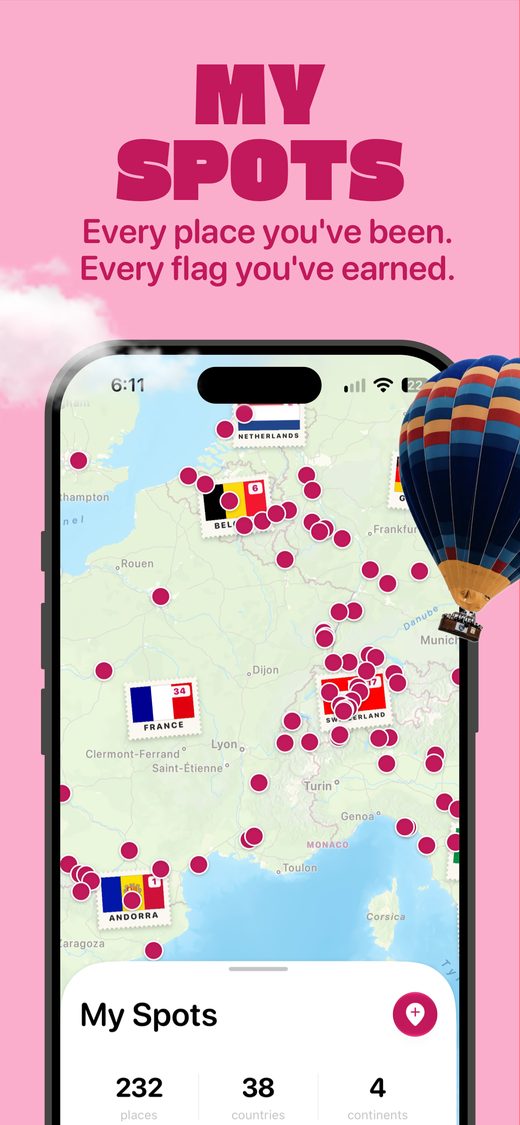
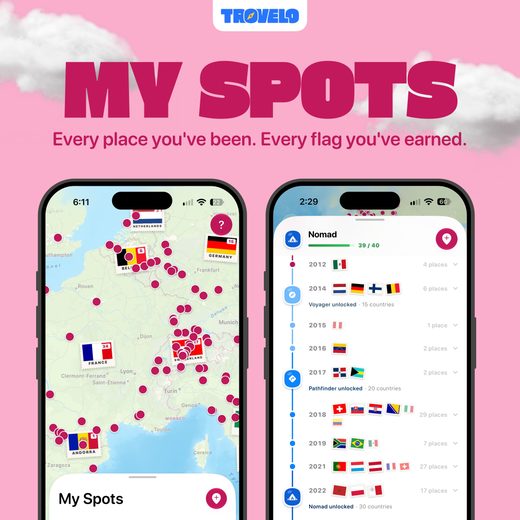
- Visited places ("Spots"): countries and cities you mark or that are suggested from your photo library (see Section 9)
- Places you save for later ("Someday")
- Your home address, if you set one, used for the "Leaving home" and "Back home" cards and for routes from home
- Travel documents, attached files, and photos, and the details read from them (see Section 10)
iCloud sync is provided by Apple under Apple's Privacy Policy and your agreement with Apple. The developer cannot read, access, or recover data in your iCloud account. If you disable iCloud for Trovelo, data stays only on your device. Trips you share are also stored as described in Section 7.
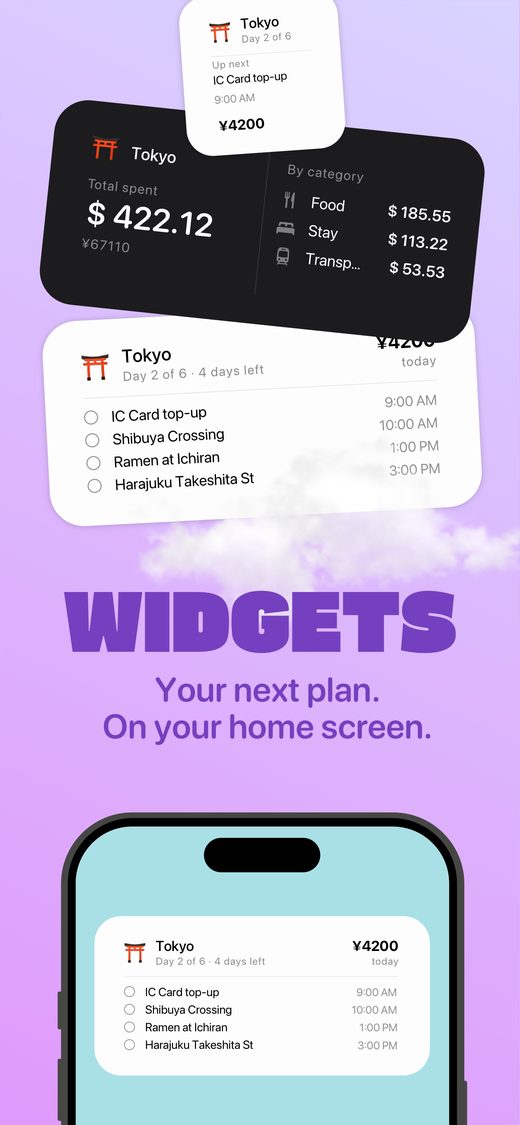
Trovelo's widgets show a snapshot of your trips stored in a shared container on your device only. During a trip, Trovelo's Live Activity shows trip details on your Lock Screen and, if you use one, on your Apple Watch — for example your next plans, today's spending, flight gates, and a stay's door code (you can turn off Show on the Lock Screen for each stay's code). Anyone who can see your screen may see these details. Trip reminders, if you turn them on, are scheduled on your device.
— 4. Data we do not collect
Through the app, the developer does not receive your name, email address, contacts, identifiers, usage statistics, crash logs, advertising data, or other personal information, and has no means of identifying you. If you email us or choose to send us diagnostics, we receive only what you send (Sections 12 and 20). Apple may also share crash reports and usage statistics with the developer if you have allowed it in your device's settings (Section 12).
— 5. Features that contact external services
Some features need the internet. These requests go directly from your device to the provider — not through Trovelo servers, since there are none. As with any internet request, the provider technically receives your IP address and standard request metadata, which it processes under its own privacy policy. Trovelo sends the minimum data each feature needs:
| Feature | Provider | Data sent from your device | Provider's policy |
|---|
| Finding photos for trips and cards | Pexels (pexels.com) | The trip destination (or, for a Someday place, its city) and the title text you typed on the card, used together as the photo search term (e.g. "dinner with Marta Tokyo"). Switch off Find Photos Automatically (iPhone: Settings → Notifications & Photos; Mac: Settings → Trips → Card Photos) to stop the automatic searches | Pexels Privacy Policy |
| Showing photos, including those in the built-in guides and Ideas | Pexels image servers | A request for the picture being shown; no trip text. These pictures load whether or not Find Photos Automatically is on. Built-in Ideas may also search Pexels using the terms that ship with the app, never your own text | Pexels Privacy Policy |
| Weather for your trips (Overview, board, packing list, PDF guide) | Apple Weather (WeatherKit) | The coordinates of each trip day's places (the centre of that day's cards, or the trip's destination) and the trip's dates — or the same dates in the previous two years, for typical weather. Sent automatically when you open an upcoming trip that has dates and places | Apple Privacy Policy |
| Currency conversion for expenses | Open-source exchange-rate dataset served via jsDelivr CDN (with a Cloudflare Pages fallback) | A currency code only (e.g. "eur"); not amounts or trip data | jsDelivr, Cloudflare |
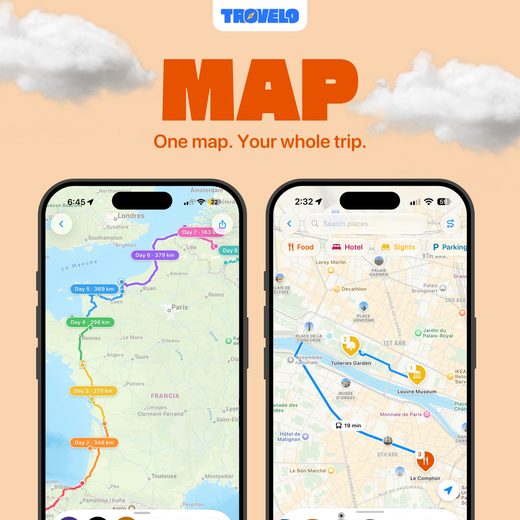
| Place search, maps, Look Around, geocoding, and travel-time estimates | Apple Maps (MapKit) | The place names you search, the map area you are looking at, and place coordinates for routing, map images, Look Around imagery, and geocoding (for example, finding a stop's city, country, or time zone) | Apple Privacy Policy |
| Adding a place from a link (pasted into Trovelo, or shared to it from another app such as Google Maps or Apple Maps) | The website the link points to (e.g. Google or Apple) | The link you chose to add: Trovelo opens it to read the place's name and location, the way a messaging app builds a link preview | Google Privacy Policy, Apple Privacy Policy, or that website's own policy |
| iCloud sync and trip sharing | Apple CloudKit | Your trip data, within your private iCloud account; for trips you share, the shared trip's content and the invited people's iCloud identities (Section 7) | Apple Privacy Policy |
| Trovelo Pro purchase | Apple App Store | Handled entirely by Apple; Trovelo does not see payment details (Section 11) | Apple Privacy Policy |
Apart from iCloud — which stores your data in your own account and, for a trip you share, makes it available to the people you invite — Trovelo does not send your expenses or your documents to these providers, and it has no account or identity of its own to send. Beyond iCloud and the optional AI connection (Section 6), the trip content that leaves your device is what the table describes: the card title text used for photo searches, the places and dates used for weather, the places you search, view, or route between on the map, and the links you add. You can stop the automatic photo searches with Find Photos Automatically; choosing a cover photo yourself still works, because that search is one you asked for. Currency requests contain no personal content beyond the technical metadata inherent to any web request.
Processed on your device. Some steps run only on your device and send nothing by themselves: understanding the text you type or paste to create cards and trips (including, where available, with Apple Intelligence's on-device model), reading boarding passes and travel documents (Section 10), and grouping your photos' locations in the photo scan (Section 9). Looking up the places involved uses Apple Maps, as described above. If you use Siri or Shortcuts with Trovelo — for example to log an expense — Apple handles that request under its own terms, and Trovelo receives the result on your device.
Links you open. When you open a link from Trovelo — a card's website, a place in Google Maps, the Trovelo community on Reddit, or this policy — your browser or that app contacts the site directly, under that site's own privacy policy.
Legal bases (GDPR). These transmissions are necessary to perform the features you actively use (Art. 6(1)(b) GDPR) and pursue our legitimate interest in providing app functionality without operating our own data-collecting servers (Art. 6(1)(f)). Most of them happen only when you use the relevant feature, so you can avoid them by not using it or by using the app offline. Two run automatically. The Pexels photo search runs when a card has no picture yet, without a separate action from you, so Trovelo gives you a dedicated switch for it: Find Photos Automatically. The weather lookup runs when you open an upcoming trip; it uses only the trip's places and dates, not your device's location.
— 6. AI assistant connections (optional, Mac only)
The Mac version of Trovelo Pro can expose your trips to an AI assistant of your choice — such as Anthropic's Claude, or any other assistant that supports the Model Context Protocol (MCP) — through a local connection that exists only on your Mac (a loopback server on 127.0.0.1, protected by a secret token). Trovelo itself does not contact any AI provider; the assistant's app on your Mac reads from that local connection.
You should understand clearly:
- The feature is off by default and requires your explicit activation and acknowledgement.
- Once you connect an AI client, anything it reads through the connection — trip names, places, dates, notes, prices, booking and flight details, stay door codes, visited spots, and saved Someday places — becomes part of your conversation with that AI assistant and is processed under that provider's privacy policy (for Claude, Anthropic's Privacy Policy; for other assistants, the policy of their provider). The AI provider you connect acts as an independent controller of that data.
- Unless you choose view-only, the assistant can also add, change, or delete trips, cards, and spots when you ask it to.
- You can restrict the connection to view-only, rotate the access token, or turn the feature off at any time in Settings.
- Do not connect an AI client if your trips contain information you do not want processed by that provider.
Legal basis (GDPR): your consent (Art. 6(1)(a)), given when you enable the feature; withdrawable at any time by turning it off.
— 7. Sharing trips with others
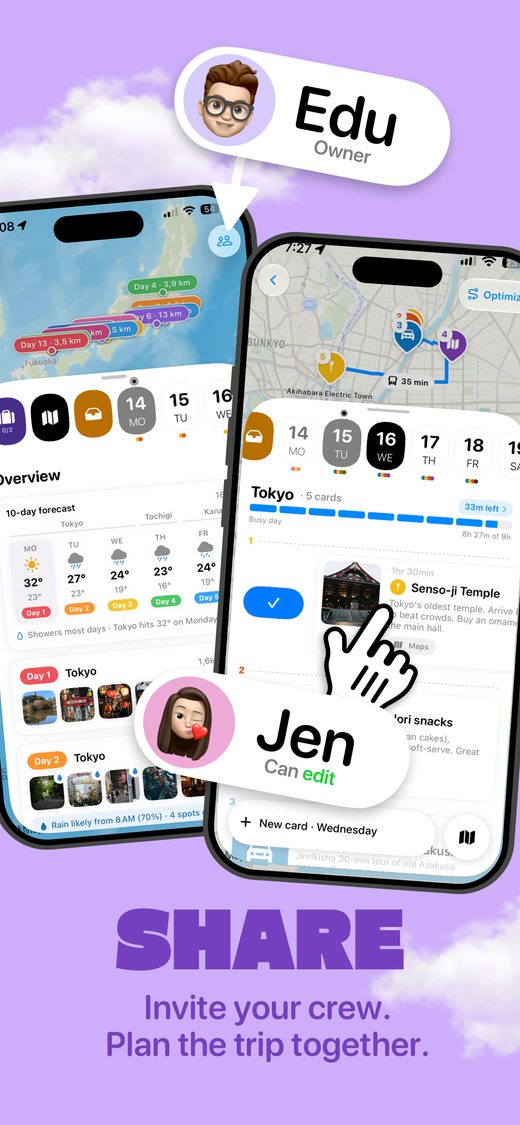
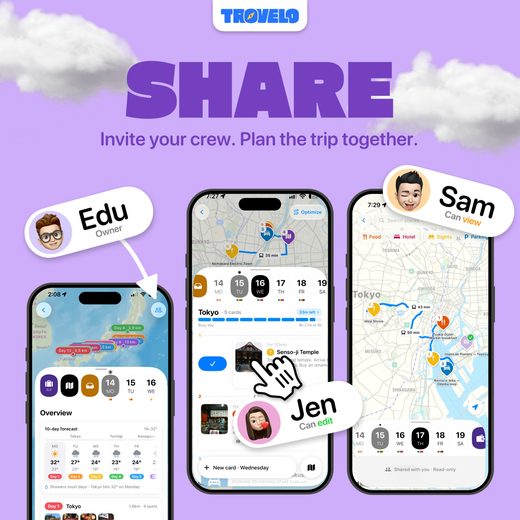
Trovelo shares a trip only with people you invite by name. There is no public link: you add each person by the email address or phone number of their Apple Account and choose whether each one can edit or can view. Sharing is performed by Apple CloudKit: the shared trip is stored in your iCloud account, and each person who accepts receives a copy on their devices and in their own iCloud. Trovelo servers are not involved (none exist).
What the people you invite receive:
- The trip's name, destination, dates, currency, and cover picture.
- Every card on the plan, with what is saved on it — titles, notes, times, places and addresses, prices, links, phone numbers, flight and train details, booking references, seat numbers, and door or access codes.
- The list of people on the trip, shown by their iCloud name, or otherwise by their email address or phone number.
What stays with each person and is not shared: your home address and the "Leaving home" / "Back home" cards, your packing list, your documents and attachments, photos you added to cards from your own library, the expenses you log, and your visited places. Apple receives the shared trip's content and the participants' iCloud identities in order to provide iCloud sharing, under its own privacy policy.
You can change someone's permission, remove a person, or stop sharing at any time, and a guest can leave a trip. This ends future updates; people who have already received the trip may keep the copy on their devices, as with anything you send to someone. Invite only people you trust, and consider what a trip contains — such as door codes or booking references — before sharing it.
Earlier versions of Trovelo could create a read-only link to a trip. That link has been retired: on iPhone, Trovelo closes any such links you created when you open the updated app. A copy someone already received through one of those links stays with them but no longer updates.
You can also export trips — as Trovelo files, a PDF travel guide, images, or videos — and, on iPhone, save a full backup file of your data. These files are created on your device and go only where you send them. A backup contains everything, including your documents and home address, so store it with care. Once you export or share something outside the app, its further distribution is under your control, not Trovelo's.
— 8. Location data
Location permission is optional; the app works without it. If you grant it, Trovelo uses your position only while you are using the app:
- to show you on the map;
- to sort ideas by distance or start an optimised route from where you are — worked out on your device;
- to search for places near you during a trip — your position is sent to Apple Maps as the search area (Section 5);
- to fill in your home address when you tap Use current location — Apple Maps turns your position into an address, and the address you save is kept as your home (Section 3).
Trovelo does not use your location in the background, does not keep a history of your position, and does not send it to the developer. Weather and plug information use the trip's places and your device's region setting, not your position.
— 9. Photo library scanning (visited places)
The optional "scan my photos" feature (iPhone) reads the location and date saved with each photo in your library, on your device, to suggest countries and cities you have visited and when you were first there. The scan does not read, upload, or analyze the pictures themselves. Photos taken close together are grouped into areas, and the centre point of each area is sent to Apple's geocoding service to get its place name (Section 5). Trovelo keeps the places you add, with the date of your earliest photo there, and keeps a cache of looked-up place names on your device for up to a year. The option to add dates to places you already saved works the same way, on your device. You choose whether to grant photo access, and you can revoke it in system Settings at any time.
— 10. Documents and sensitive data
You may attach documents to trips — for example boarding passes, insurance PDFs, passport scans, or vaccination records. These attachments:
- are stored on your device and, if iCloud is enabled, in your private iCloud account,
- are not sent by Trovelo to the developer or to any other third party, are not part of a shared trip (Section 7), and are not readable through the AI connection (Section 6); they are included in a full backup file if you create one,
- may include data that is sensitive (identity documents, health-related documents). You decide what to attach.
To save you typing, Trovelo can read the text of a boarding pass or ticket, and the details of a passport or ID card — the holder's name, document number, nationality, and issue and expiry dates — on your device. The date of birth and sex printed in a passport's machine-readable zone are read to check the document but are not kept. You can edit or delete any of these details. A photo you attach is kept as the original file, including any location information stored inside it.
— 11. Purchases
Trovelo Pro is a one-time purchase processed entirely by Apple through the App Store using StoreKit. Trovelo does not receive or store your payment details, billing address, or Apple Account details. Purchase entitlement is checked on-device with StoreKit.
— 12. Diagnostics
Trovelo does not use any third-party crash-reporting or analytics service. The iPhone app can locally record Apple's standard, anonymous performance and crash reports (launch time, memory, hang rate) on your device only; reports older than 14 days are deleted automatically the next time you open the app. Both the iPhone and Mac apps also keep a small, size-limited technical log of trip-sharing activity on your device, which can include trip names, to diagnose sync problems. This data stays on your device unless you personally choose to export and send it to us for troubleshooting.
Separately from the app, Apple may share crash reports and aggregated usage statistics about Trovelo with the developer if you have turned on sharing with app developers (iPhone: Settings → Privacy & Security → Analytics & Improvements → Share With App Developers; Mac: System Settings → Privacy & Security → Analytics & Improvements → Share with app developers). Apple collects and provides this data under its own privacy policy, and you can turn it off at any time in those settings.
— 13. Data retention and deletion
We don't hold your trips or anything else you keep in the app, so there is none of it for us to delete. If you have emailed us or sent us diagnostics, we delete that correspondence on request (Section 20). You are in full control:
- Delete individual items (trips, cards, documents, spots) at any time inside the app.
- Delete everything on-device by deleting the app.
- Delete iCloud data in System Settings › [your name] › iCloud › Manage Account Storage › Trovelo, or by deleting your trips in-app before removing the app (deletions sync).
- Stop sharing a trip, or remove a person from it, on the trip's sharing screen. People who already received the trip may keep their copy (Section 7).
- Data you shared with an AI provider (Section 6) is governed by that provider's retention rules and deletion tools.
— 14. Your rights (EEA, UK, and Switzerland)
Under the GDPR / UK GDPR you have rights of access, rectification, erasure, restriction, portability, and objection, and the right to withdraw consent at any time. Because your data is stored on your own devices and in your own iCloud account — and, for a trip you share, with the people you invite — rather than with us:
- Access, rectification, erasure, restriction: you exercise these directly and immediately in the app — you hold the data, not us. We could not access it even on request.
- Portability: Trovelo includes a built-in export that produces your trips in a structured, machine-readable format (.trovelo JSON files), and on iPhone a full backup of your data.
- Withdrawal of consent: turn off the relevant permission (location, photos) in system Settings, turn off Find Photos Automatically, or disable the AI connection in Trovelo's settings.
- Complaints: you have the right to lodge a complaint with your local data-protection supervisory authority (in the EU, see edpb.europa.eu; in the UK, the ICO).
For data held by Apple, Anthropic, Pexels, or other providers listed above, please direct requests to them as independent controllers; we have no access to that data. You are not subject to any automated decision-making or profiling by Trovelo.
Providing personal data to Trovelo is never a statutory or contractual requirement — every field in the app is optional.
— 15. International data transfers
The developer transfers no data internationally, because the developer receives no data from the app. Requests your device makes to providers in Section 5 may reach servers outside your country (for example, Pexels in the United States); those providers are responsible for their own transfer safeguards (such as the EU–US Data Privacy Framework or Standard Contractual Clauses) as described in their privacy policies. iCloud data residency is managed by Apple per your Apple Account region.
— 16. Users outside the EU
The same privacy model applies to every user worldwide. In particular:
- California (CCPA/CPRA): Trovelo does not collect, sell, or share personal information as defined by the CCPA, and the developer does not meet the CCPA's thresholds for a covered "business." There is nothing to opt out of.
- Brazil (LGPD), Canada (PIPEDA), Australia (Privacy Act), and other jurisdictions: the developer collects and holds no personal data; the rights described in Section 14 are honored for all users regardless of location, through the same in-app mechanisms.
— 17. Children's privacy
Trovelo does not knowingly collect data from anyone, including children. Because the app sends no data to the developer, the developer does not collect children's data through it. The app requires no account and shows no ads.
— 18. Security
Your data is protected by the built-in encryption of iOS and macOS (data protection at rest) and by Apple's encryption of iCloud data in transit and at rest. A shared trip can be opened only by the people you invite. The optional AI connection is restricted to your own machine (localhost) and protected by a randomly generated secret token that you can rotate. No security measure is absolute; we recommend using a device passcode and two-factor authentication on your Apple Account.
— 19. Changes to this policy
If we change this policy, we will update the "Last updated" date above and, for material changes (such as any new external service), describe the change in the app's release notes. Continued use after an update constitutes acceptance of the revised policy. We will never retroactively weaken the core commitment of this policy — no collection of your data on Trovelo servers — without your explicit consent.
— 20. Contact
Questions or privacy requests: nocion.exento_8u@icloud.com. If you write to us, we use your message and email address only to reply, and we delete them on request. We answer data-protection inquiries within 30 days.



 London


 Trovelo